Step-by-Step Guide for Ordering Your Course Materials Online
- Go to the Concordia Bookstore (Book Stop) online platform to order your course materials.
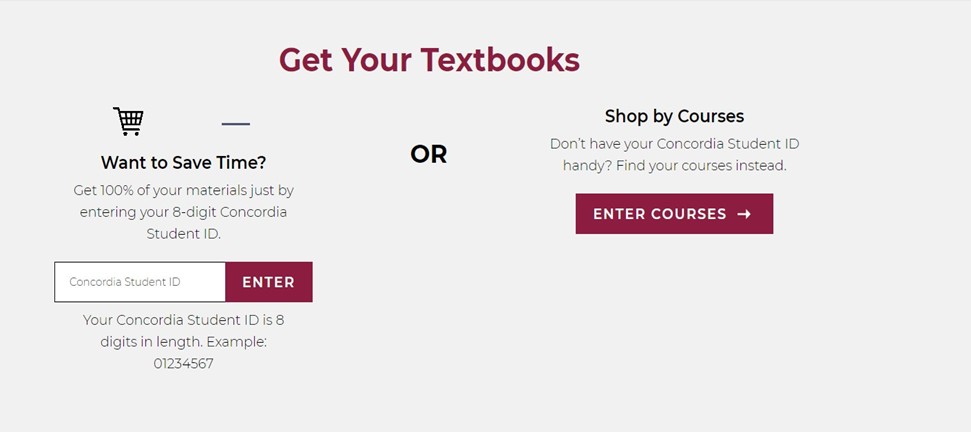
- Go directly to Shop by Courses and Select “Enter Courses”.
Note
Do not enter a student ID number, this is only for Concordia students.
- Select your Campus (Dawson College) and Term.
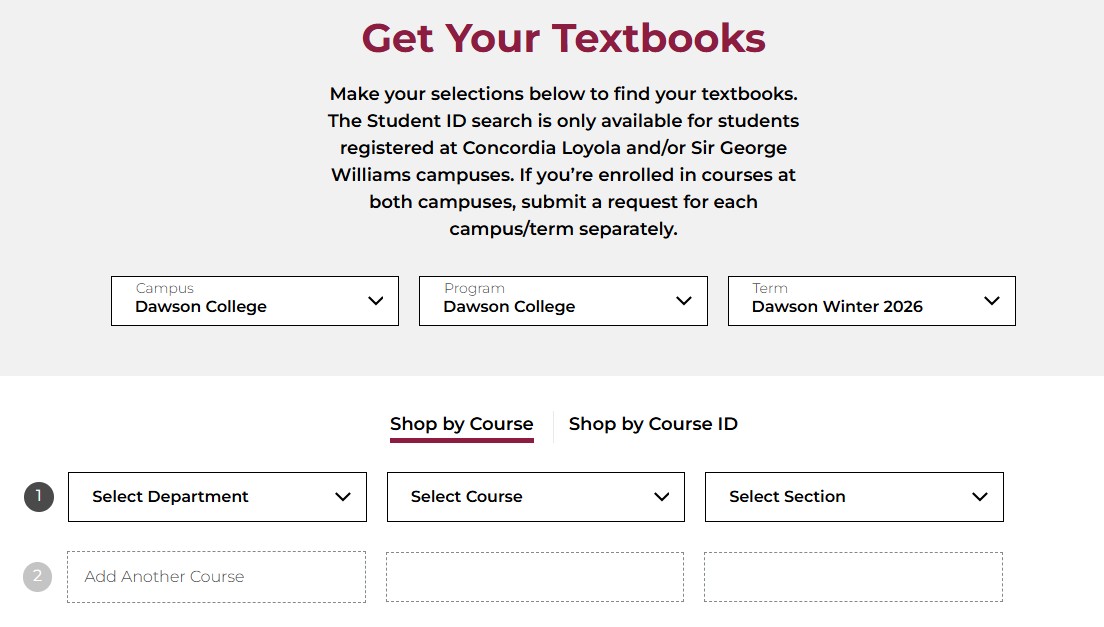
- Select from the dropdown menu your department, course and section for each or the courses you are enrolled in. It will automatically add another line so you can enter more courses. Once you have entered all the courses you want to search, select “Find Materials for x Courses”.

- Select the version (new, used, or digital) you would like of each book required for your classes. Then “Add Items to Bag” at the bottom of your book list.
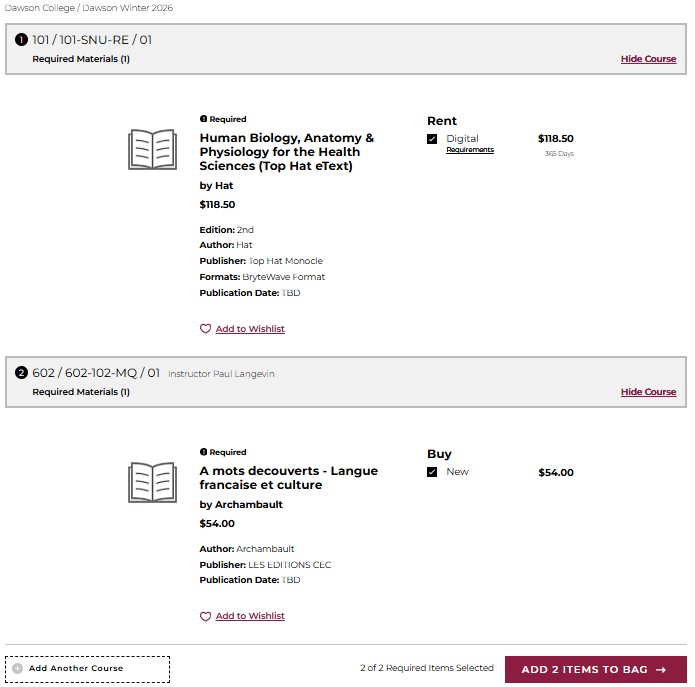
- Select “View Bag and Checkout”.
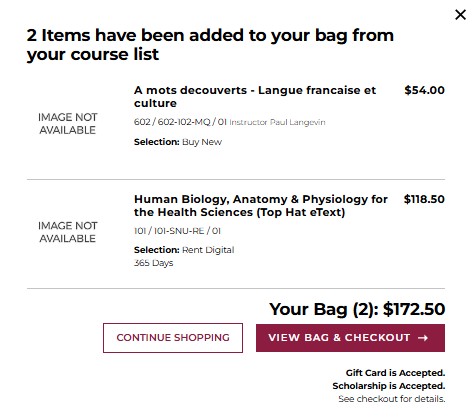
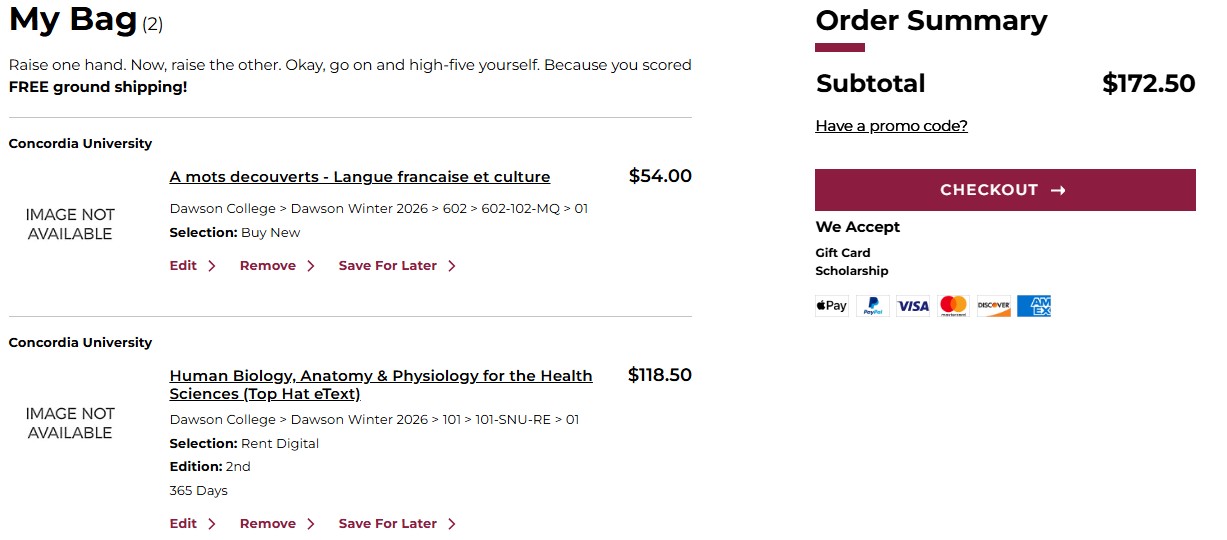
- Review your items and select “Checkout”.
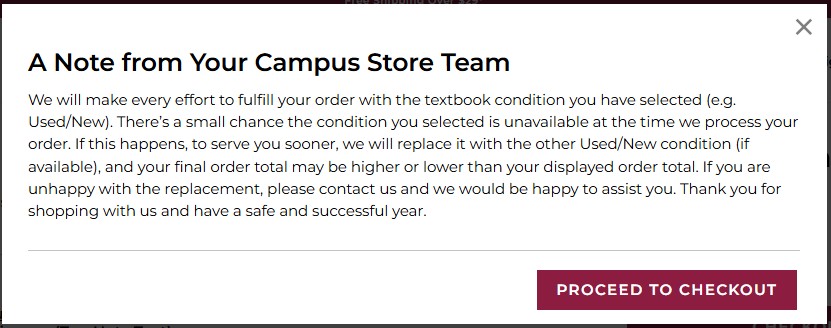
- Review the notice and select Proceed to Checkout.
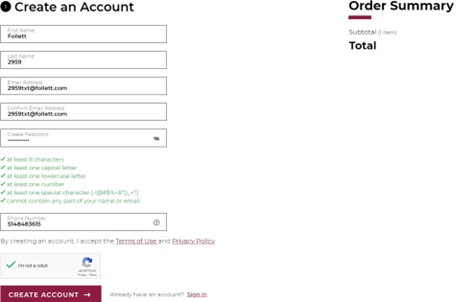
- Select Create Account and enter your details. Then select “Create Account” at the bottom.
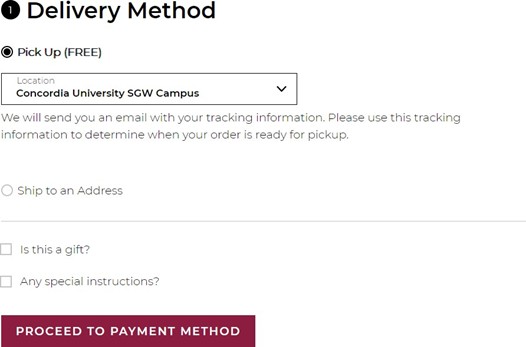
- Choose your delivery method. Then proceed to payment method.
Note
Pick-up at SGW campus will be the fastest method. You can also ship to your home for $7.99 flat rate.
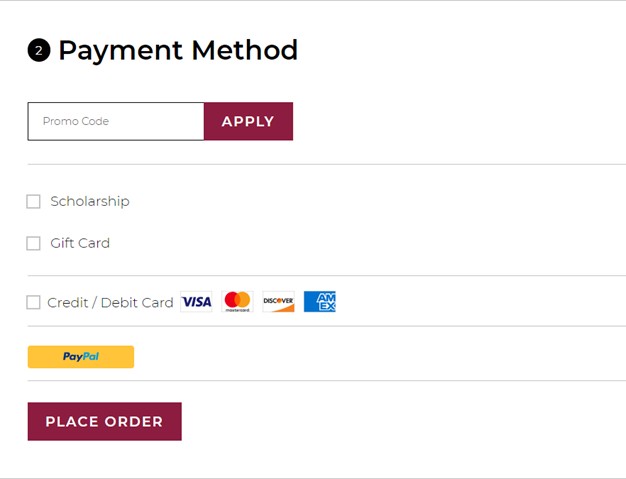
- Enter Payment, then select Place order.
- Once your order is placed, you will receive an order confirmation via email with an order This email will allow you to view the status of your order and track your shipment.